Submission by JP
Hack #7: v0 · v0
J
JP
7 May, 10:20
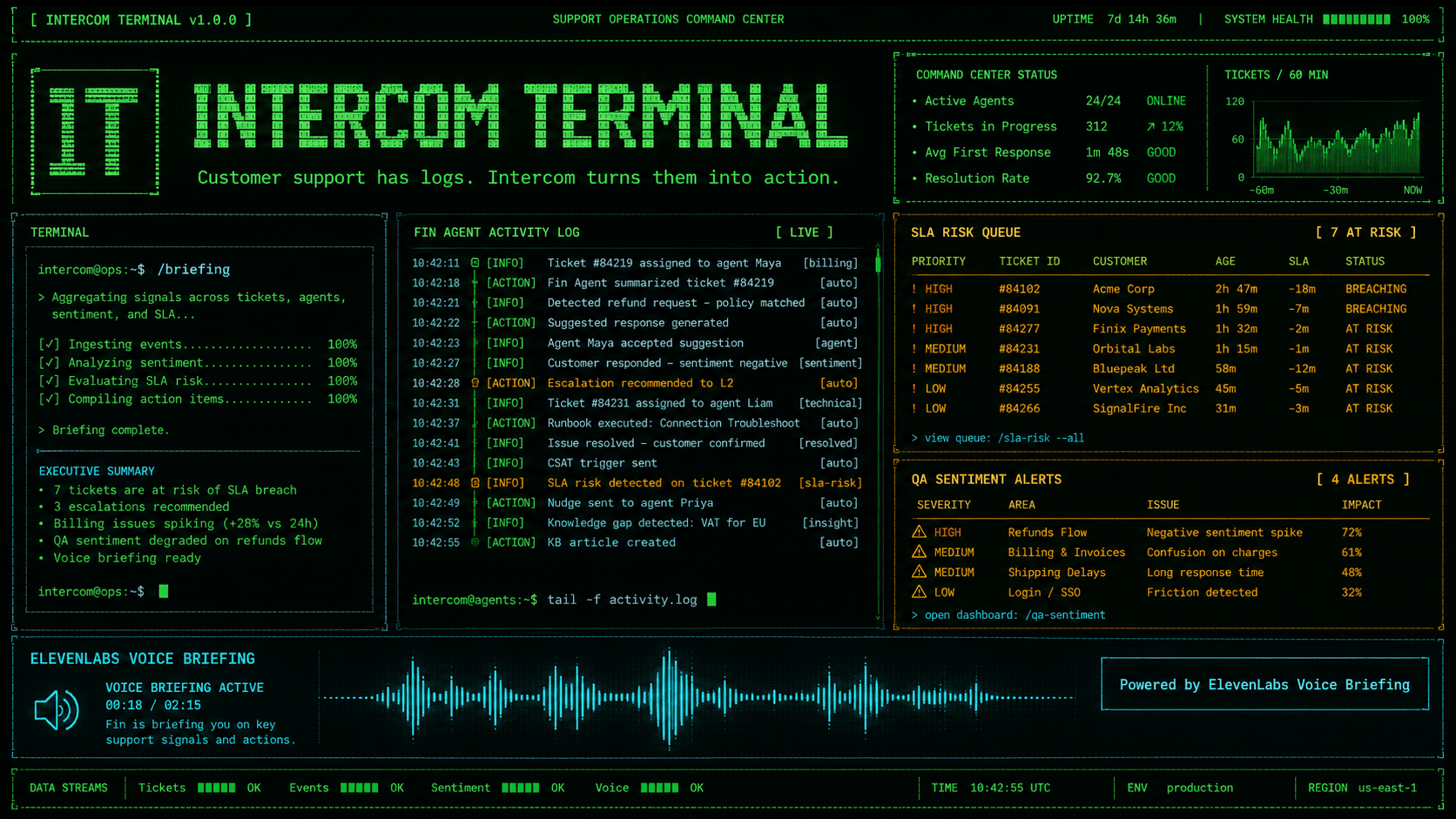
Intercom Terminal is a terminalcore redesign of Intercom as an interactive AI Support OS. I reimagined the traditional helpdesk website as a live command-center experience where customer conversations become logs, Fin runs like an agent daemon, tickets become queues, and support leaders can operate the workspace through terminal commands. Users can run commands like /scan, /fin, /tickets, /qa, and /briefing to inspect support metrics, Fin AI Agent activity, SLA-risk tickets, quality signals, and support operations summaries. The experience includes command autocomplete, a command palette, live-style support logs, dashboard panels, ticket routing views, Copilot draft previews, QA insights, command sound effects, and a responsive terminal UI. The problem it explores is that modern support teams often have too much information spread across dashboards, inboxes, tickets, reports, and AI agent logs. Intercom Terminal turns that complexity into an operational interface where important signals like SLA risk, topic spikes, sentiment changes, and AI resolution rates are easier to scan and act on. I used v0 to rapidly prototype and iterate on the full website redesign, transforming Intercom’s product structure into a completely different terminal-native visual and interaction system. I used ElevenLabs to create the audio layer of the experience. I designed a custom support-ops voice and generated a spoken manager briefing using ElevenLabs Text to Speech. When the user runs /briefing, the site plays an ElevenLabs-generated support summary covering message volume, Fin resolution rate, SLA-risk tickets, billing topic spikes, Copilot drafts, and recommended actions. The result is a playful but practical vision of what customer support could feel like in the AI Agent era: faster, more operational, more ambient, and easier to understand at a glance. Video - https://www.youtube.com/watch?v=VkC-m-jUOcI demo - https://intercom-clone-omega.vercel.app/
2 participants0 audience